
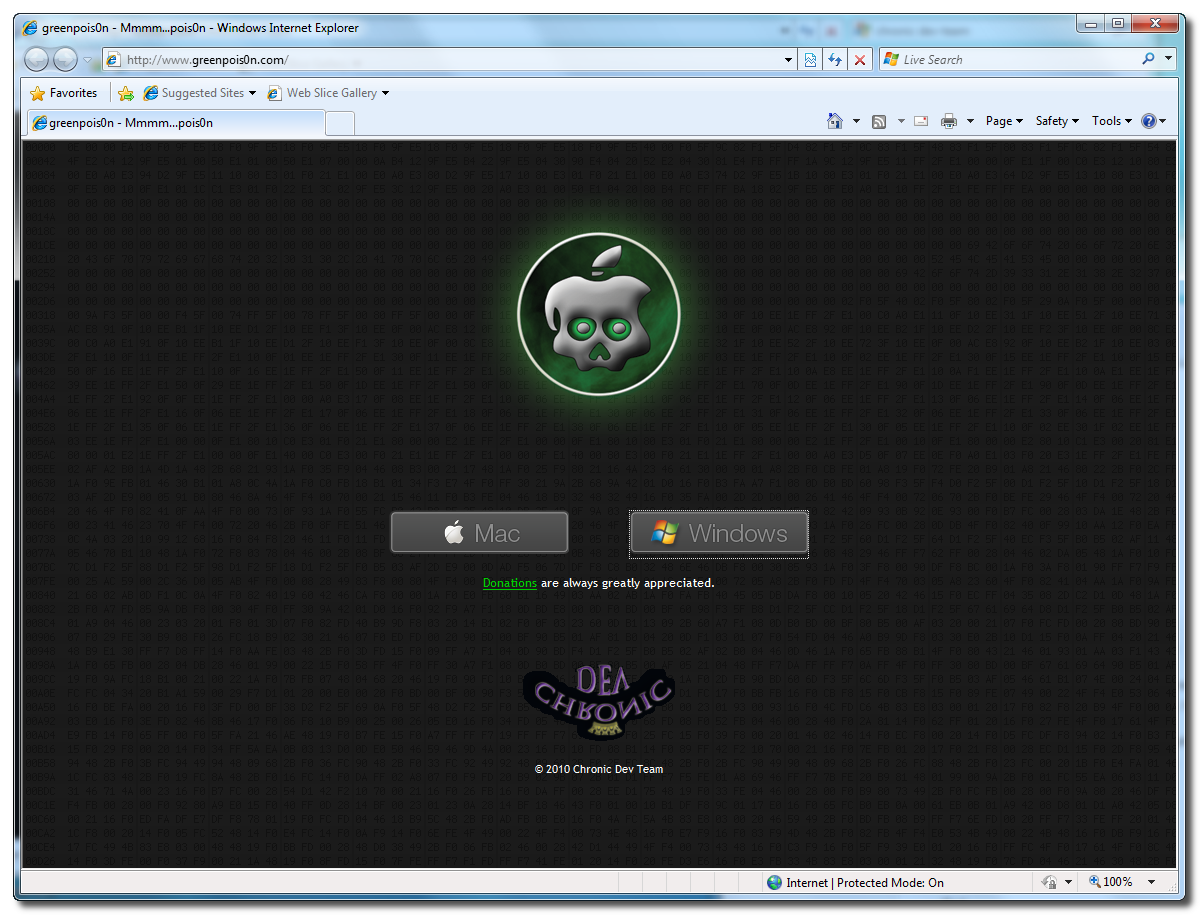
Download Greenpois0n HERE
Step Two
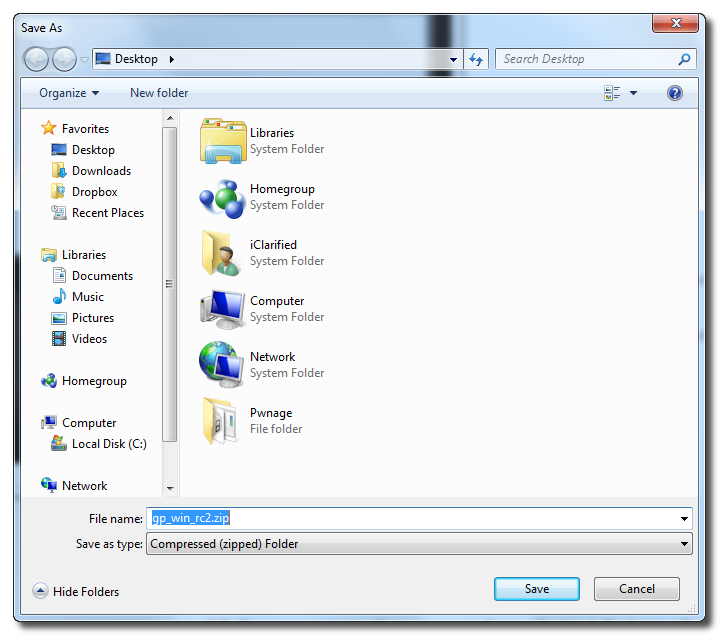
When prompted save the download to your desktop

Step Three
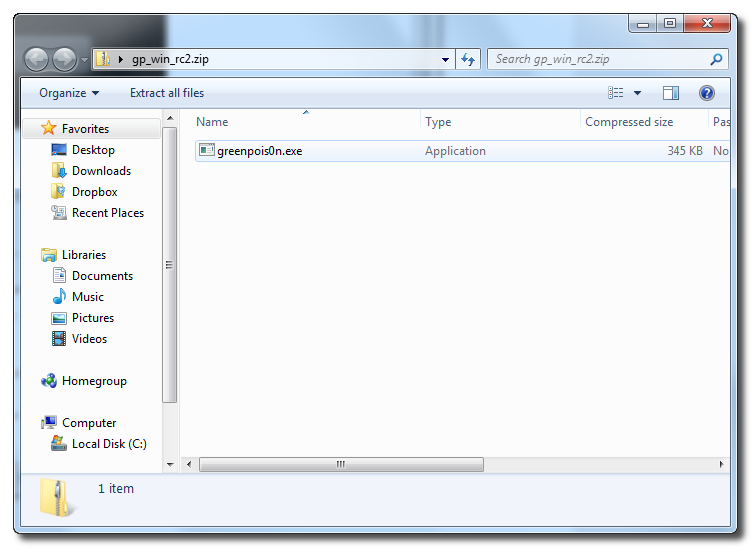
Double click the downloaded gp_win_rc2.zip file then drag the greenpois0n.exe file to the desktop. Double greenpois0n.exe from the desktop to launch the application

Step Four
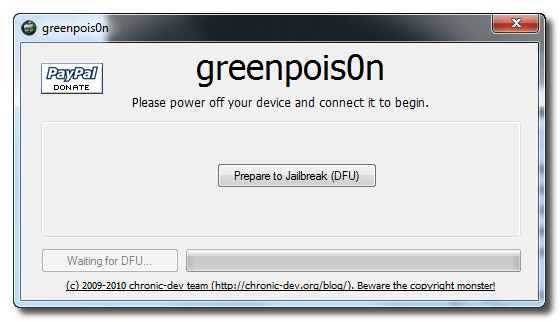
Power off your iPad then click the large Prepare to Jailbreak (DFU) button
Step Five
You will now be instructed on how to place your iPad into DFU mode.
You will be asked to press and hold the sleep button for 2 seconds.
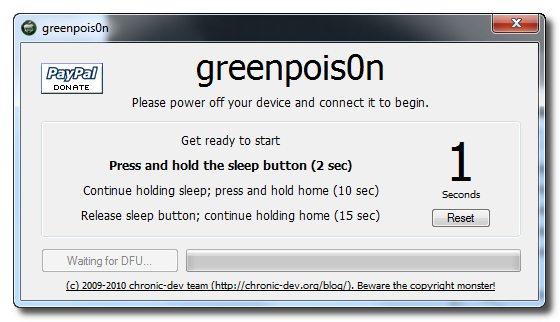
Continue holding sleep; press and hold home for 10 seconds.
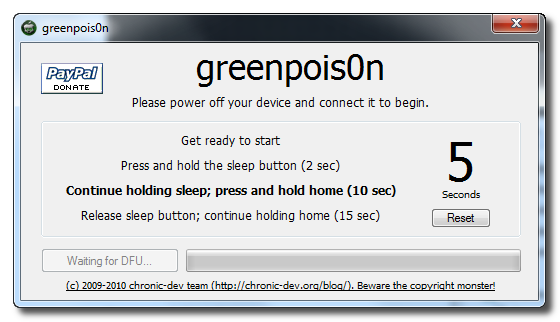
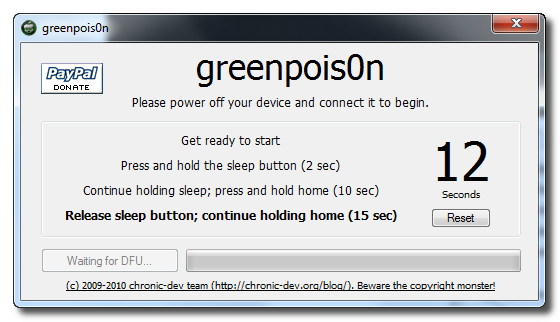
Release sleep button; continue holding home for 15 seconds.
Step Six
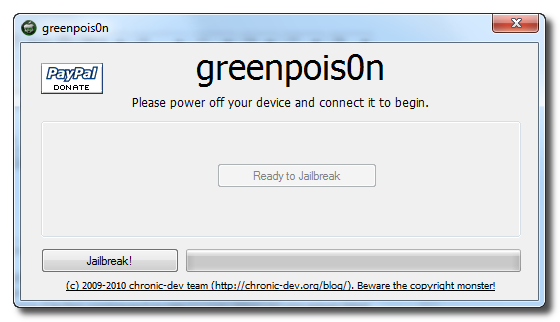
Once your iPad is successfully in DFU mode you may click the Jailbreak button.
Step Seven
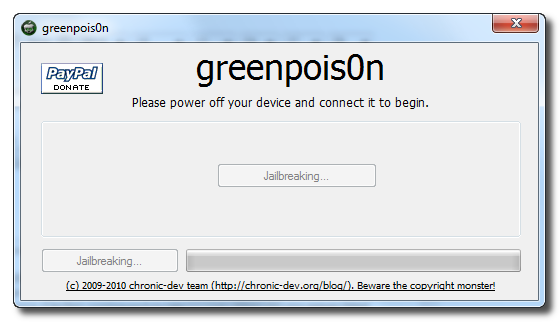
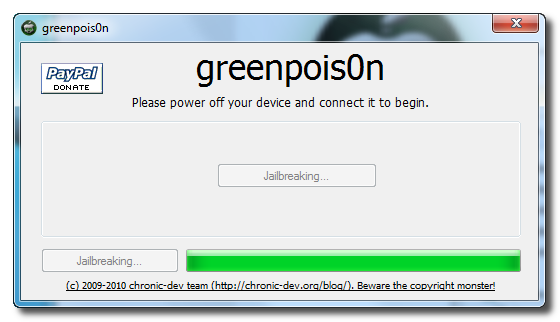
Greenpois0n will now jailbreak your device.
Step Eight
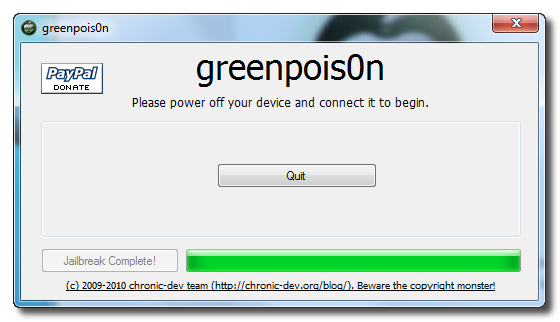
Click the Quit button once the software application has completed.
- Now go back to your device, connect it to internet and press 'Loader"icon on the screen and install Cydia
- Done!


